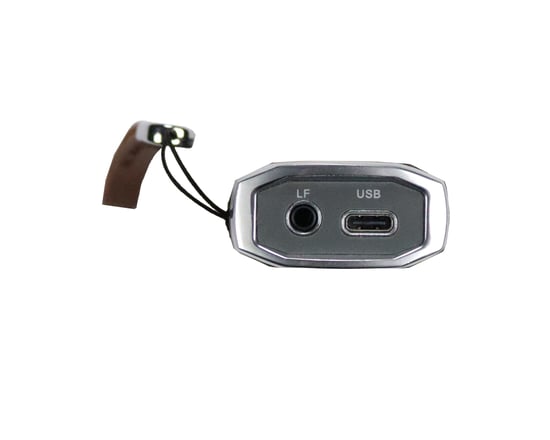
Xhorse VVDI Mini OBD Tool For VVDI Key Tool Max
Product Description:
Used with VVDI Key Tool Max to perform remote functions such as Generate Transponder, Transponder Clone, Generate Remote, Remote Clone and many other functions.
Xhorse Mini OBD Tool is a wireless OBD vehicular interface that provides diagnostic reporting, immobilizer programming capabilities and vehicle data manipulation.
- Used when key cannot be cloned or in all keys lost situations
- Supports adaptive reset and odometer related functions
Main Functions:
- IMMO programming
- Throttle programming
More Functions (Under Development):
- Battery programming
- Odometer correction
- Steering angle calibration
- Key code learning
- EABS programming
- Remote manual programming
- Vehicle diagnosis
- Tire pressure light reset
- Maintenance light reset
Remote & Key Functions with Key Tool Max:
- Generate transponder
- Transponder clone
- Generate remote
- Remote clone
- OBD matching for transponder, remote and smart card
Working Procedure:
- Read vehicle VIN and immobilizer data via OBD using Mini OBD Tool and Key Tool Max
- View remote and transponder chip information and generate key
- Check keyway and cut key blade
- Program immobilizer using Mini OBD Tool and Key Tool Max
Diagnostic Capabilities:
- Read and clear check engine codes
- ABS modification
- TPMS settings adjustment
- ECM performance tuning
Connection Methods:
- USB Type-C cable
- WiFi
- Bluetooth
Software & Update:
- Supported by Xhorse App V1.8.5 and above
- Update performed via Key Tool Max upgrade kit
- Connect Mini OBD Tool to PC with USB cable
- Upgrade step by step to latest firmware version
- Pair with Key Tool Max via Bluetooth after update